
Only users with the Administrator (Admin) role have the rights to configure a credit policy on the Risika platform. If you are assigned as a User, you will have read-only access to the existing policy but will not be able to edit it.
Verify your user role
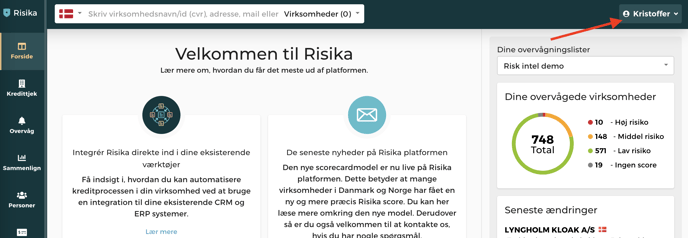
You can quickly confirm your current role by clicking on your name in the top right corner of the screen.
Do you need extended access?
If you believe you should have administrator rights to set up the credit policy, please contact your internal administrator or reach out to us directly at support@risika.com.
Need help with the setup?
Are you looking for guidance on how to properly configure a credit policy? You can find a detailed step-by-step guide in our Help Center.